
Logging
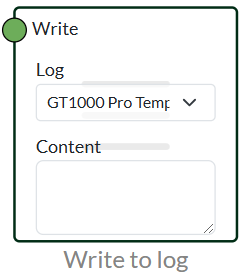
Write to Log
Write to log can write one to the log every time there is a true to write.
It is possible to use variables to get values into the log by, for example, using {temperature} or something completely different. This allows you to get variable data directly into the log. You can also write a static message and every time the node goes true, that message will appear in the log.
Remember to create a log at the top under logs. (See our log information for more on this)
Write to Log with Interval
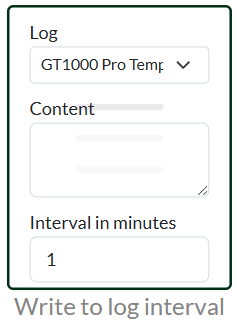
Write to log with interval can be used to write data to the log at a specific interval.
By default, some have no attributes, so you need to use variables to get your data in.
For example, you can create a variable called {Temperature} and set the interval to 1 minute. Then every minute it will write the current temperature to the log.
Remember to create a log at the top under logs. (See our log information for more on this)
Write to Log with Cooldown
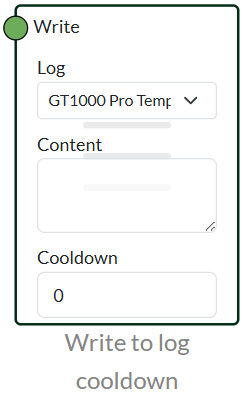
This node is used in the same way as our standard write to log. However, the difference is that a cooldown can be set. A cooldown can be used so that it doesn't write the value every time it changes. For example, if it changes twice within a minute, but you only want it to post once a minute, you can set your cooldown to one minute. A minute must therefore pass before it can write to the log again.
Like our other log modules, it can be used with variables.
 Dansk
Dansk  English