With our power spot nodes, you can easily check electricity consumption and costs through graphs and optional .CSV extracts. You also have the option to use the nodes to switch other equipment on or off via the relay on our devices.
This node outputs the current electricity price with the following outputs:
Spot – the raw spot price
Tariff – your net tariff
Electricity Tax – electricity tax
System Tariff
Transmission tariff
Total tax – total duties
Total – the full price including all taxes (excluding VAT)
Do you want the price including VAT, add a Equation Node with the formula x * 1.25.
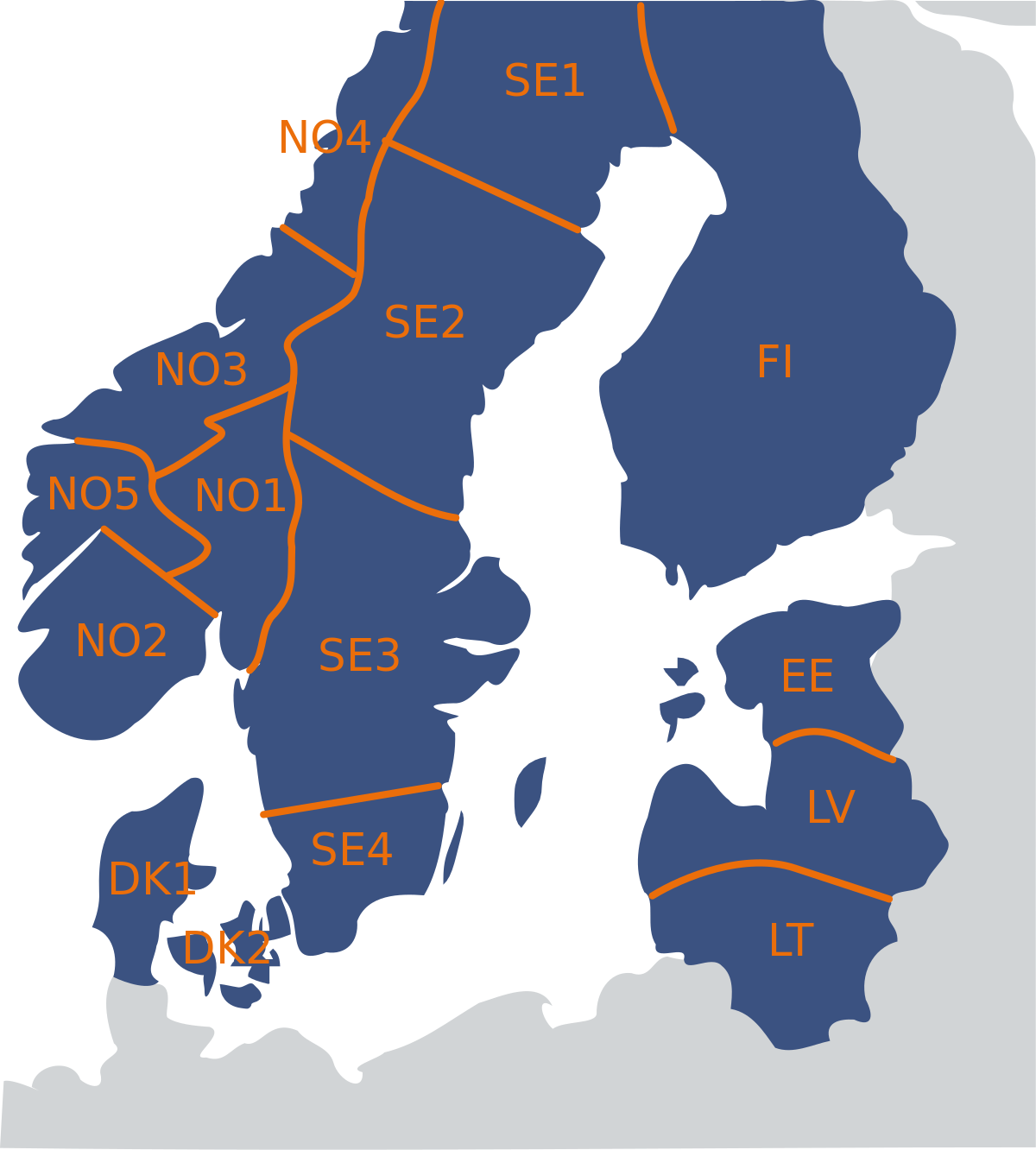
In the configuration, you select the energy zone (e.g. DK1/DK2), grid company and whether state taxes should be included via "include state tax". Most can leave the tariff configuration as is. Default configuration. Tick include state tax if any statutory charges are to be included in the total.
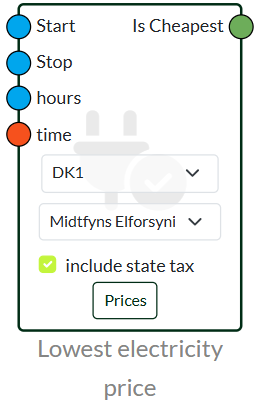
This node finds the cheapest hours of the day and outputs Cheapest – a boolean signal that is True when the current hour is among the cheapest.
Entrances:
Start – items start (00-23)
Stop – time's end (00-23)
Hours – number of cheap hours desired
Time – connected to a Current time Node
You choose the configurations Energizone and Energy company. Tick include state tax if statistics charges are to be included. Click Prices to see an overview of today's hourly prices.
The node updates once per hour.
Lowest Electricity Price Advanced Finds the cheapest hours of the day and outputs them Cheapest – a boolean signal that is True when the current hour is among the cheapest.
Inputs
Start / Stop – the time window the node must operate within (e.g. 00:00–24:00)
Time of day – the total time (in minutes) the unit may run per day
My ON – minimum number of minutes the unit must run at a time
Min off minimum number of minutes the unit must pause between runs
In the configuration, you choose Energizone, Energy company and tariff. Tick the box include state tax if duties are to be included.
It is also possible to use variables and a dashboard to configure this node.
Last updated
21 May 2026
We've detected you might be speaking a different language. Do you want to change to:



 Dansk
Dansk  English