
Logic
AND Gate
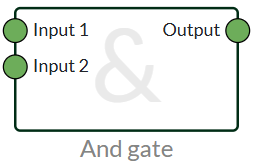
And Gaten is a logic that can be used to check if several things are true to continue in the flow. A simple use case could be if you only want to receive an alarm if both inputs are TRUE. Then from your device you could put a connector from both inputs to an AND gate. Then the logic checks if both are true, if they are not, the output on the gate is FALSE.
OR Gete
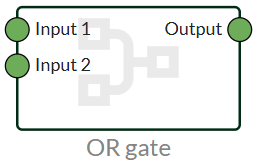
The OR gate can be used to check if one of the states is TRUE. There are 2 inputs that it can look at, however, multiple gates can be combined if you want to look at multiple boolean inputs.
NOT Gate
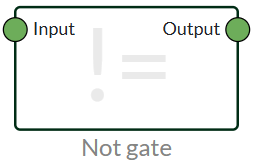
The NOT gate can be used to invert a signal. For example, it could be a toggle switch that you want to invert the signal from NO to NC instead. Anything TRUE that enters the NOT gate becomes False, and anything False that enters the gate becomes True.
It is used a lot with power failure text messages, as it can give a "TRUE" if power goes false.
Value
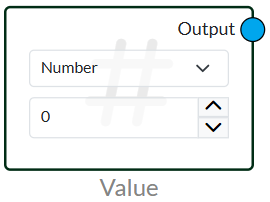
Value allows you to add a static value into your flow.
It has different attributes so you can enter a desired value. It can be very useful together with Greater Than, Less Than and Is Equal.
It's also a good node to test the configuration before going into production.
Numbers value when used for interval is given in minutes.
The different attributes that can be selected: Boolean, Number, Text and Timestamp.
Previous Value
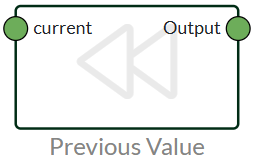
Previous Value allows you to use the last value and not the current one.
The value is updated every time the device sends in new data.
For example, if you want to add a delay, you can use previous value together with an and gate. Then it will only send if both previous value and current value are (True).
Toggle
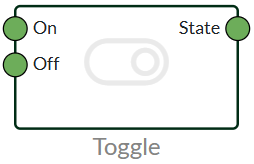
Toggle acts as an on/off switch. This is typically used for our water alarms, where you set the button on the device to stop the siren.
Is NULL
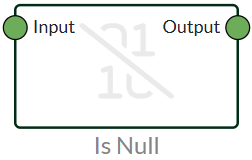
The Is NULL node can be used to check if a value is NULL. Typically, a value will appear as NULL if there is an error in your flow or if data has not been processed correctly. Is NULL cannot be used to notify you if a boolean node is False, for example, but only if the value is NULL.
Condition
The Is NULL node can be used to check if a value is NULL. Typically, a value will appear as NULL if there is an error in your flow or if data has not been processed correctly. Is NULL cannot be used to notify you if a boolean node is False, for example, but only if the value is NULL.
Match
Match works just like the name sounds. In the node, you specify some "IDs" whereby you can create some value nodes with names and connect those names to the IDs you have created.
Then you can, for example, attach a slider from the dashboard or use a “get variable” to change the ID.
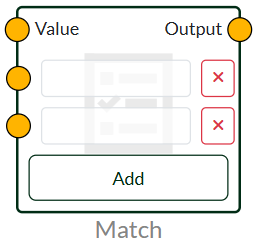
Match RegeX
We advise making use of online tools such as Ai or other options.
| Character Classes | |
|---|---|
| . | any character except line breaks |
| \w \d \s | letter, number, space |
| \W \D \S | not letter, number, space |
| [abc] | one of a, b or c |
| ^[abc] | not a, b or c |
| [a-g] | characters between a and g |
| Anchors | |
| ^abc$ | start/end of the string |
| \b \B | word limit / non-word limit |
| Escaped Characters | |
| \. \* \\ | Escaped special characters |
| \t \n \n \r | Tab, line break, carriage return |
| Groups & Lookaround | |
| (abc) | hunting group |
| \1 | referral back to group #1 |
| (?:abc) | non-catching group |
| (?=abc) | positive foresight |
| (?!abc) | negative preview |
| Quantifiers & Alternation | |
| a* a+ a? | 0 or more, 1 or more, 0 or 1 |
| a{5} a{2,} | exactly five, two or more |
| a{1,3} | between one and three |
| a+? a{2,}? | match as few as possible |
| ab|cd | match ab or cd |
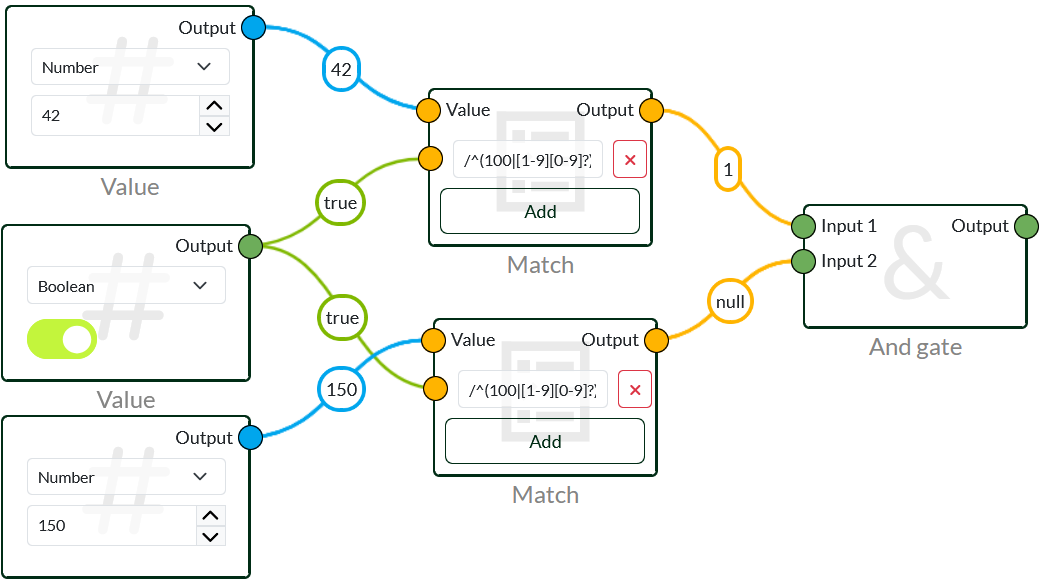
The image above RegeX /^(100|[1-9][0-9]?)$/. This regex checks numbers without 0 in front between 1 and 100.
The following OK: 1, 2, 3... 100
The following not OK: 0, 01, 02... 101
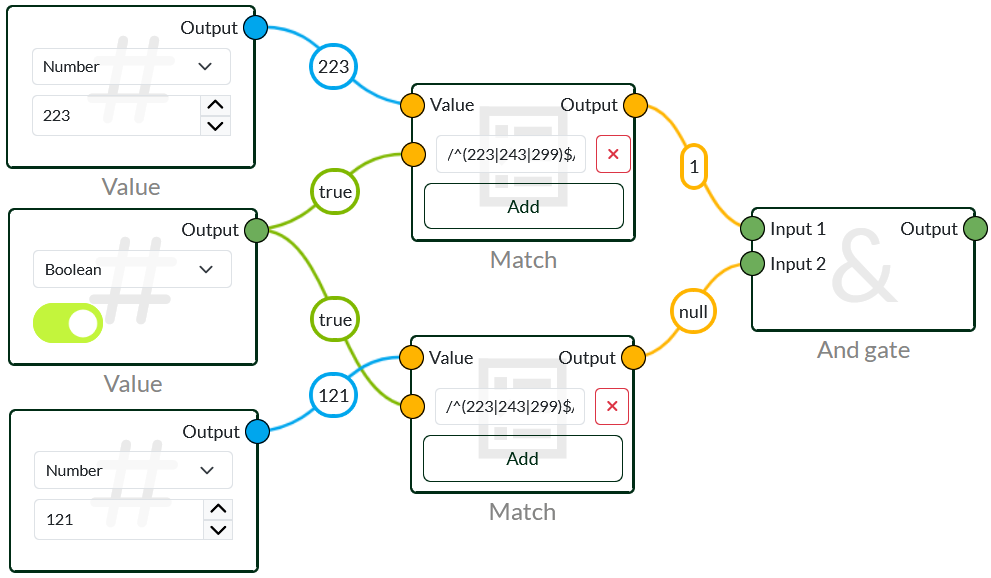
This image uses RegeX /^(223|243|299)$/, which checks if the input it receives is exactly 223, 243 and 299. This makes it possible to use a longer RegeX, and not multiple match traps.
 Dansk
Dansk  English